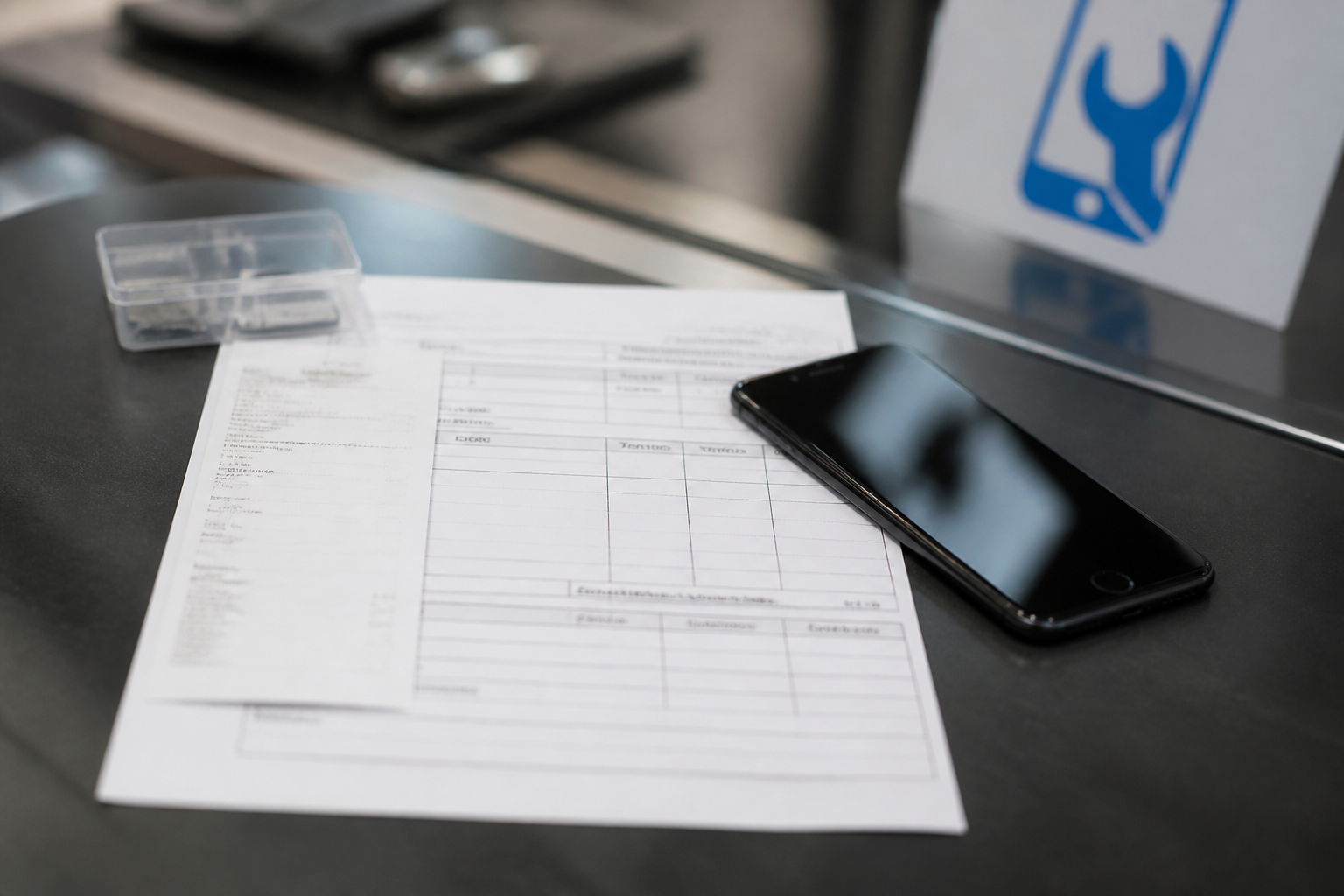
Every line on the invoice is a real part or a real hour of work. That sounds obvious until you have been handed a slip that only says “screen repair” with no model, no part grade, and no date you can find later. Here, the invoice is the record we both rely on — for warranty, for future visits, and for knowing what is actually inside the phone.
This guide shows how to read the common lines, what to check before you leave the counter, and how that paper is used if something fails inside the warranty window.
The header: who, when, which device
Confirm your name or contact, the date, and the device identity we recorded — model and, where we noted it, a serial or IMEI fragment. If the phone on the ticket is not the phone in your hand, stop and fix it before payment clears. Mix-ups are rare; catching them takes ten seconds.
Booking or ticket codes help when you message us later. Keep the printout or the PDF we send. Photos of the invoice in your gallery are fine; paper in a kitchen drawer is also fine. Lost paperwork slows warranty checks because we then reconstruct from shop history instead of your copy.

Part lines: names, not nicknames
Look for plain language: genuine display assembly, aftermarket digitiser, battery service pack, charging port flex, tempered glass, labour. If a line is vague — “LCD,” “module,” “misc” — ask us to expand it until you could explain the job to someone else. The part you approved at the counter should be recognisable on the page.
Quantity and price sit beside each part. Labour may be a separate line or bundled by shop practice; either way you should understand whether you paid for a part, for time, or for both. Discounts and taxes should be readable, not hidden in a single unexplained total.
Warranty language on the page
Warranty covers the named part and related work failing in a normal way inside the window we state. It does not usually cover a new drop, liquid, or a different fault that appeared later. If the ticket mentions days or months, read that number before you leave. Ask what voids it — tampering, further impact, water — so there are no folk tales later.
If something fails inside the window, bring the phone and the invoice together. That document is what we look at first. Matching the part line to the opened device is faster than reconstructing a busy Saturday from memory.
What “related failure” means in practice
A pixel fault on a display we fitted last month is related. A bent frame from a new fall is not. A battery that swells early can be related; a phone that drains because a new app hammers GPS overnight needs diagnosis, not an automatic free cell. We will say which bucket you are in after we look — the invoice starts the conversation, it does not skip the check.
Pickup checklist
Before you walk out: power the phone on, unlock it, glance at touch and display, try the camera shutter, and confirm the invoice lines match what you approved. If anything is unclear, ask us to walk through it at the counter. Correcting a wrong grade or a mistyped model takes a minute now and saves an argument later.
If you paid a deposit earlier, confirm the balance matches the final parts list. Extra parts found mid-job should already have been approved by you; if a new line appears that you never heard about, pause.
Keeping records for the next visit
Prior invoices help when a later fault might be tied to earlier work — or when we need to prove it is not. Bring them if you have them. Our system keeps history too, but your copy is the one in your pocket when you are in a hurry.
Ask questions while you are here. The invoice is not a test; it is a shared map. Every line should mean something you recognise — a real part, or a real hour of work — and if it does not, we will rewrite it until it does.