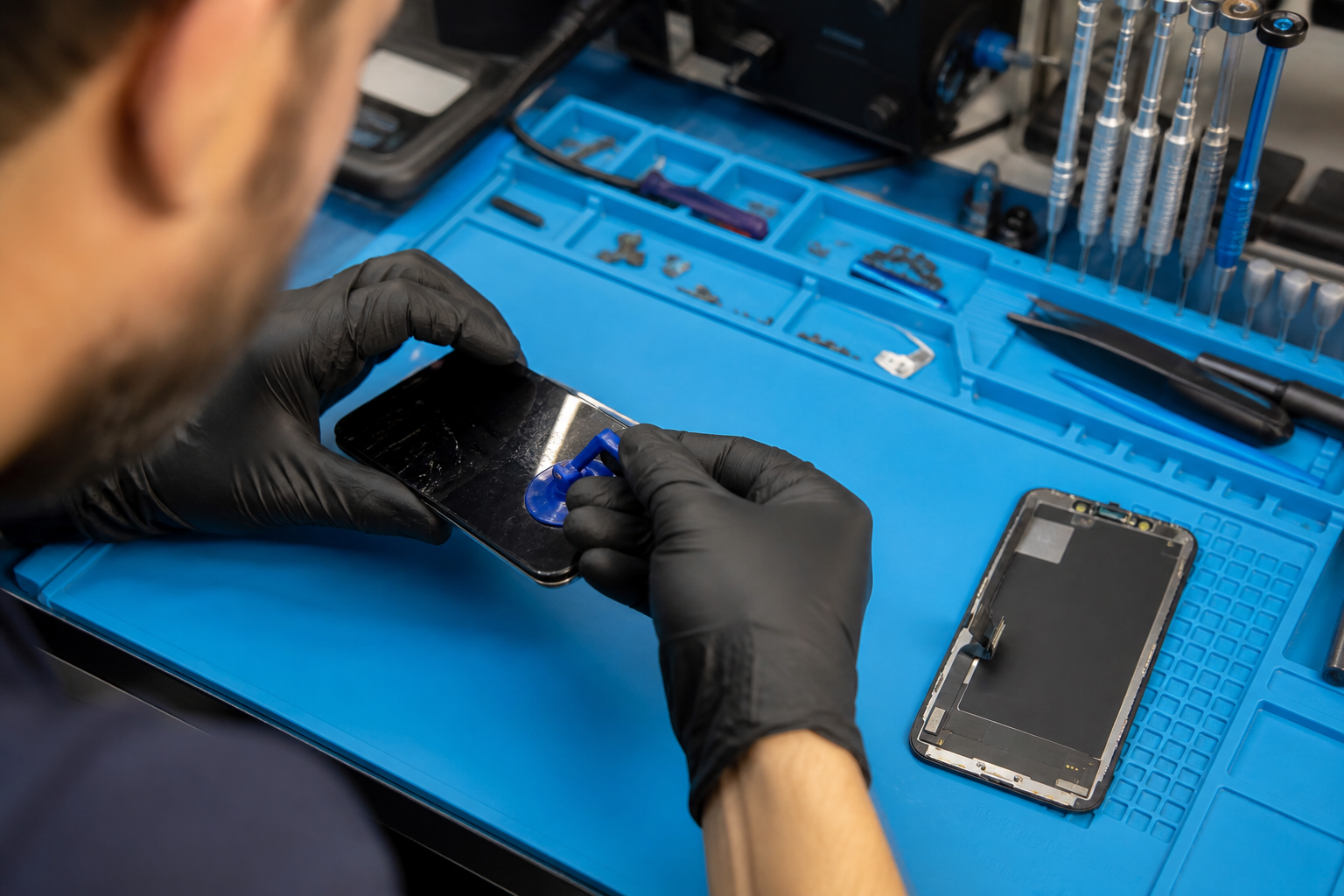
Most people walk in with a cracked screen, a phone that dies at lunchtime, or a charging port that only works if you hold the cable just so. They want two things: a clear price, and a clear idea of how long they will be without the device. This guide is the long version of what we say at the counter — what we check, how we quote, what the work looks like, and what you should expect when you pick the phone up again.
We wrote it for anyone who has never had a phone opened in front of them before. Nothing here is meant to replace a diagnosis on your exact model. Models differ, parts differ, and a water-damaged board is a different job from a cracked glass. Use this as a map of the process so the conversation at the desk feels familiar when you arrive.
Before you leave home
Back up what you can. A screen or battery job does not wipe storage, but any repair that needs the board powered down is safer if you already have a copy of your photos and chats. If the screen is too broken to unlock, bring the passcode or biometric unlock method you normally use — we need to power the device on and off during testing, and we will not guess your PIN.
Remove a bulky case and any magnetic mounts. They get in the way when we open the frame, and they make it harder to see cracks that run under the bezel. If the phone has a SIM and microSD that you care about, know where they sit; we may need to reseat them after a battery or board-side job.
Write down the symptoms in plain language. “Dies at 40% when I open the camera” is more useful than “battery bad.” “Touch works only on the left half after a drop” points us at the digitiser sooner than “screen broken.” The more precise you are, the less time we spend ruling out faults you already know about.
What we do at the counter first
We look at the outside of the phone under good light. Cracks, dents, bent frames, and liquid marks around the ports all change the quote. A bent mid-frame can mean a screen will not sit flush even after a perfect panel swap. Liquid markers under the SIM tray tell us to treat the job as moisture-related until proven otherwise.
Then we power the device if it will turn on. We check brightness, dead pixels, touch zones, Face ID or fingerprint, cameras, loudspeaker, earpiece, microphones, Wi‑Fi, cellular signal bars, and charging with a cable we trust. If something already fails before we open anything, it goes on the note so it is not blamed on the repair later.
Only after that do we open the device when the fault needs an internal look. Opening is not theatre — it is how we tell a cracked outer glass from a failed OLED, or a swollen battery from a board that throttles under load. You stay at the counter for that first look whenever the job allows it. You see what we see.
How quoting works
A quote here is a price for a named part and a named job, not a vague “screen repair” line. If the glass is broken but the panel underneath still draws a clean image and touch works, we say so and quote glass-only when that option exists for your model. If the panel is dead, bleeding, or the digitiser has failed, we quote the full assembly and explain why glass-only would not fix what you are seeing.
If a genuine part is in stock, that is what we offer first. If it is not, we tell you what the alternative is — aftermarket panel, refurbished assembly, or waiting for stock — and what that choice changes about price, colour match, and warranty. You approve before the old part comes out for good.
Labour time is part of the quote. Most screen and battery jobs finish the same day while you wait or while you run an errand nearby. Board-level work, parts on order, and phones with secondary damage take longer. We say which bucket you are in before you leave the desk.

What the repair itself looks like
Once you approve, we pull the part from stock and show you the box or sealed bag when there is one. The invoice will carry that part name. We heat or unclip the frame the way the model requires, disconnect the battery first whenever the design allows it, and remove the failed assembly without levering against the board.
Connectors are cleaned and reseated. Adhesive is replaced so the new glass sits the way the original did. We do not reuse stretched adhesive strips that will lift in a week. On models with True Tone, Face ID flexes, or under-display fingerprint modules, we transfer or preserve the parts that keep those features working — and we tell you before the job if a particular donor panel cannot carry them over.
After the new part is in, we run the same checks we ran at intake: display uniformity, touch grid, biometrics, cameras, call audio, and a charge cycle long enough to see that the port and battery negotiate correctly. If something fails that worked at intake, we stop and fix it before we call you for pickup.
Batteries, charging ports, and “it just feels slow”
Battery health percentage is a starting point, not a verdict. We care about unexpected shutdowns, swelling that lifts the screen, heat under light use, and phones that only survive the morning. A battery that still holds a light day of use can stay in. One that drops from 60% to off when you open the camera map usually should not.
Charging port faults are often lint, a bent pin, or a worn flex — not always a new board. We clean and inspect before we quote a port replacement. Wireless charging coils, where fitted, get a visual check when the back glass is off for another job so a secondary crack does not surprise you later.
Slow performance after a drop can be thermal throttling from a damaged board, a failing battery that cannot hold voltage under load, or software that needs a clean boot after moisture. We do not guess from the waiting-room chair. The same intake checks above are what separate those cases.
Your data, your account locks, and Find My
We do not ask you to remove Find My Device or an iCloud / Google lock for a standard screen or battery swap. Those locks protect you. We do need the phone to unlock so we can test. If the device is activation-locked to an account you cannot access, we cannot complete a meaningful test cycle, and we will say so before taking payment for a full repair.
We do not copy your photos onto our machines as part of a normal repair. If a job genuinely needs a data backup in the shop, that is a separate conversation with a separate consent — and it is rare for screen and battery work.
Warranty, invoices, and coming back
The invoice is the record. It names the part, the work, and the date. Keep it. If something related to that part fails inside the warranty window, that paper is what we open first. Unrelated damage — a new drop, liquid, or a different fault — is a new diagnosis, not an automatic free revisit.
Ask us to walk every line at pickup if anything is unclear. “Genuine panel,” “aftermarket digitiser,” and “battery, service pack” should mean the same thing on the page and in the phone. If a line looks wrong, we fix the paperwork before you leave, not three months later from memory.
Same-day versus leave-it jobs
Same-day work is the common path for stocked screens and batteries on popular models. You can wait in the seating area or leave a number and collect later the same afternoon. Leave-it jobs are for parts we must order, for devices that need overnight observation after liquid exposure, or for board work that cannot be rushed between other counter tickets.
If we say “parts due Thursday,” that is a supplier estimate, not a guarantee from the courier. We message you when the part lands and again when the phone passes final test. Silence usually means we are waiting on the same shipment you are — ping us if you want a status check anyway.
How to make the next visit faster
Bring the phone charged enough to power on, or bring a cable. Know your unlock method. Know whether you prefer genuine-only or whether a clear aftermarket option is acceptable when stock is short. Those three answers cut the first ten minutes of counter time in half.
If you had work done here before, bring the old invoice or the booking code from your message. Matching a previous part line helps when a later fault might be related — or when we need to confirm that it is not.
Finally, treat the quote as a decision point, not a formality. You are allowed to decline, to wait for genuine stock, or to choose a cheaper route after we have explained the trade-offs. The long version of our process exists so that choice is informed, not rushed.
When you are ready, bring the device in. We will start with the same checks described above, show you what we find, and only then ask you to approve the part that goes on the bench.